Deleting Cards
Delete cards that are duplicates, outdated, or no longer needed in your study deck.
Deleting Single Cards
Method 1: Swipe to Delete (Fastest)
Swipe a card left or right to quickly delete it.
Method 2: Card Menu
Tap a card -> Select "Delete"
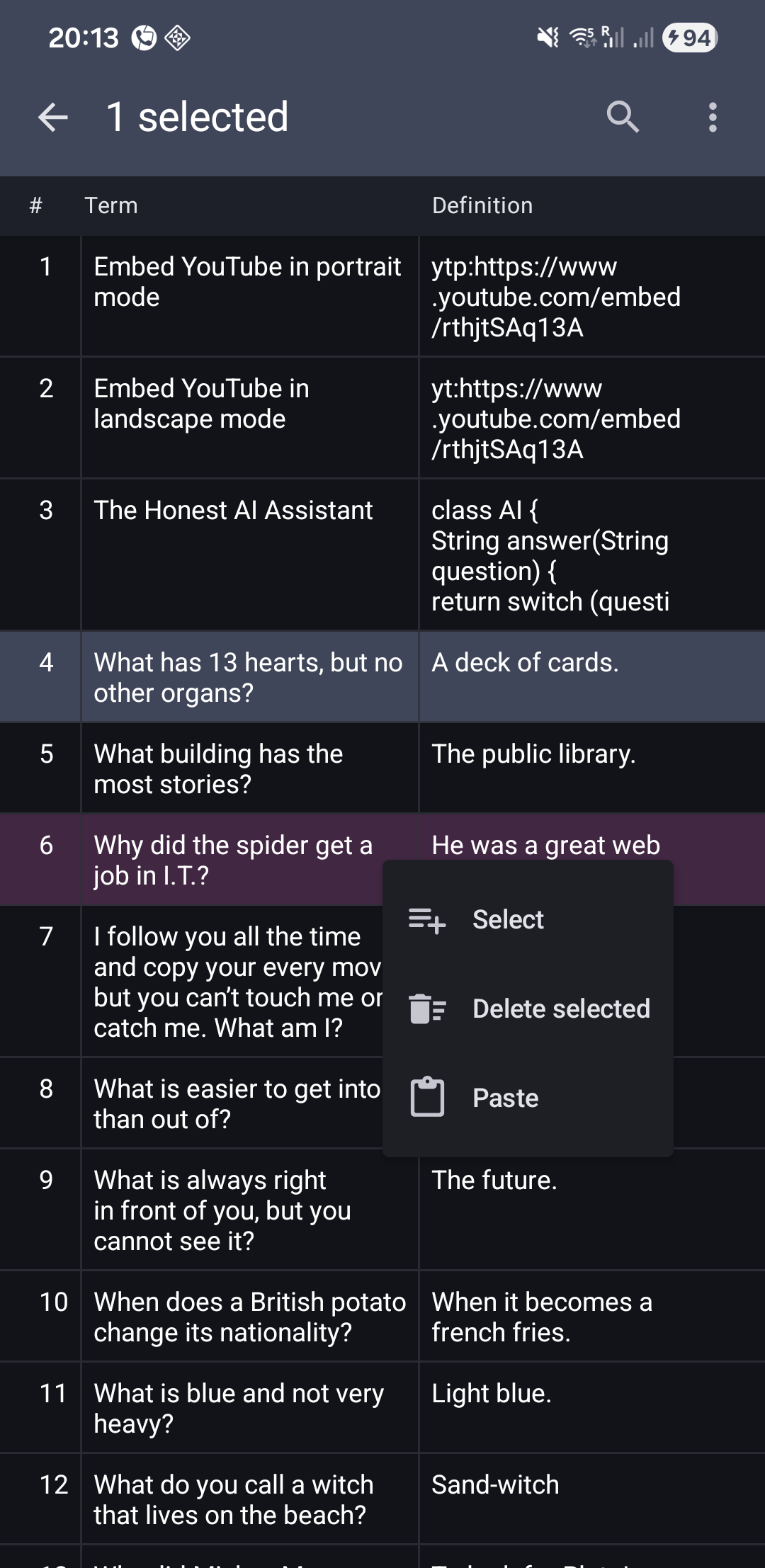
Deleting Multiple Cards
For bulk deletion, use Multi-Select Mode:
Related Topics
- Multi-Select Operations – Bulk operations including deletion
- Editing Cards – Modify cards instead of deleting
- Database Backup – Protect against accidental deletion
- [Sync