Creating a Folder (Premium feature)
Organize related decks into folders.
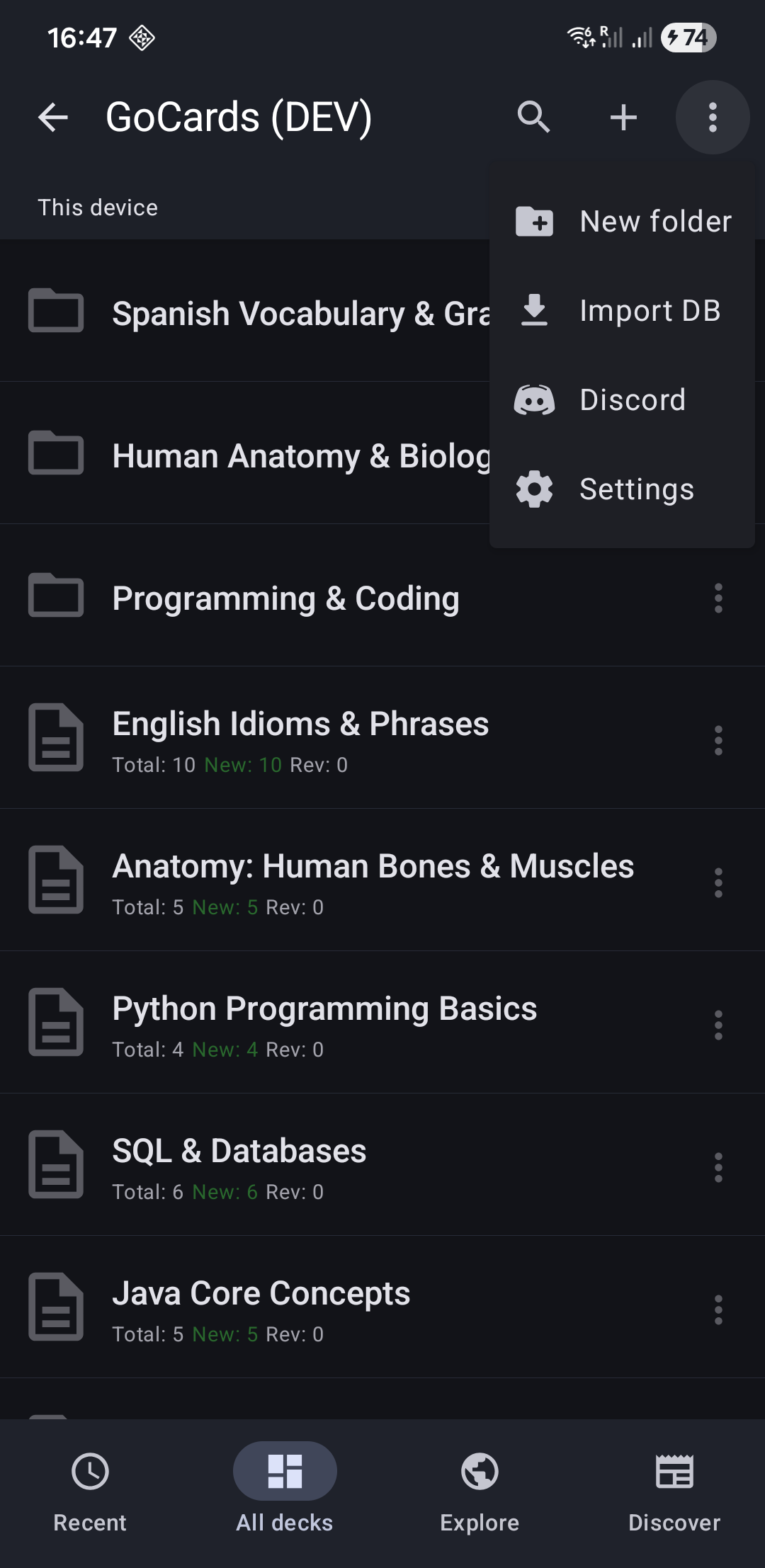
- Go to "All Decks" tab
- Tap "⋮" menu (top-right)
- Select "New Folder"
- Enter folder name (e.g., "Spanish", "Medical School", "Work Training")
- Tap "Create"
You can create folders inside folders for hierarchical organization.