Home Screen
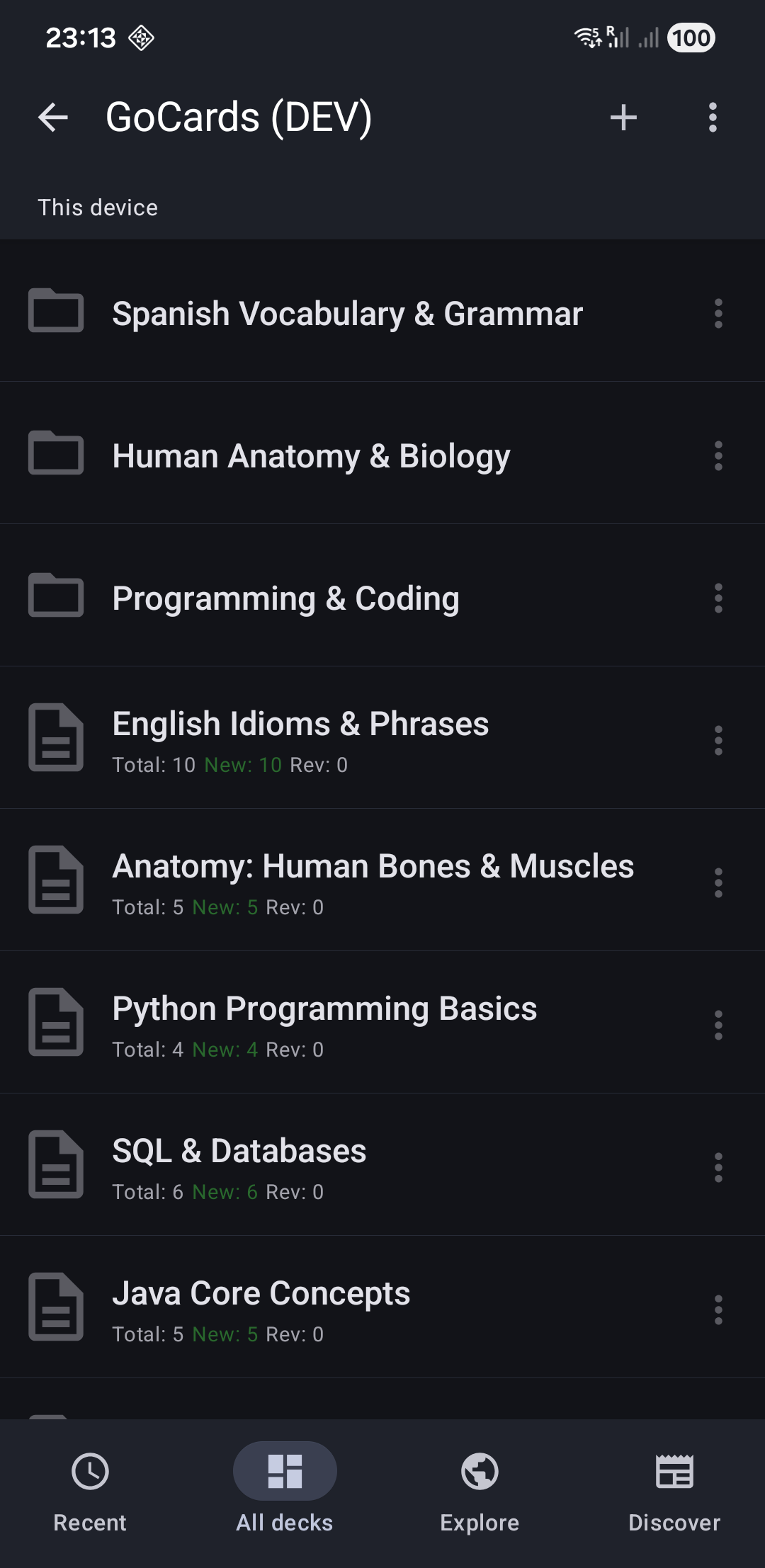
The GoCards home screen is your command center for managing all your flashcard decks.
📊 Tab 1: Recent Decks
Shows decks you've recently accessed, ordered by last use. This tab helps you quickly jump back into your active learning.
📁 Tab 2: All Decks
Your complete deck library with folder organization. Navigate through folders and subfolders to find any deck.
🌐 Tab 3: Explore
Community deck sharing (coming soon)
📰 Tab 4: Discover
Premium offers, updates, and community engagement.
Features:
- Premium feature highlights
- Feedback and suggestions
- App updates and news
Next Steps
- Learn about Study Mode to start learning
- Explore Cards List to manage your cards
- Set up File Sync to edit on your computer (Premium)