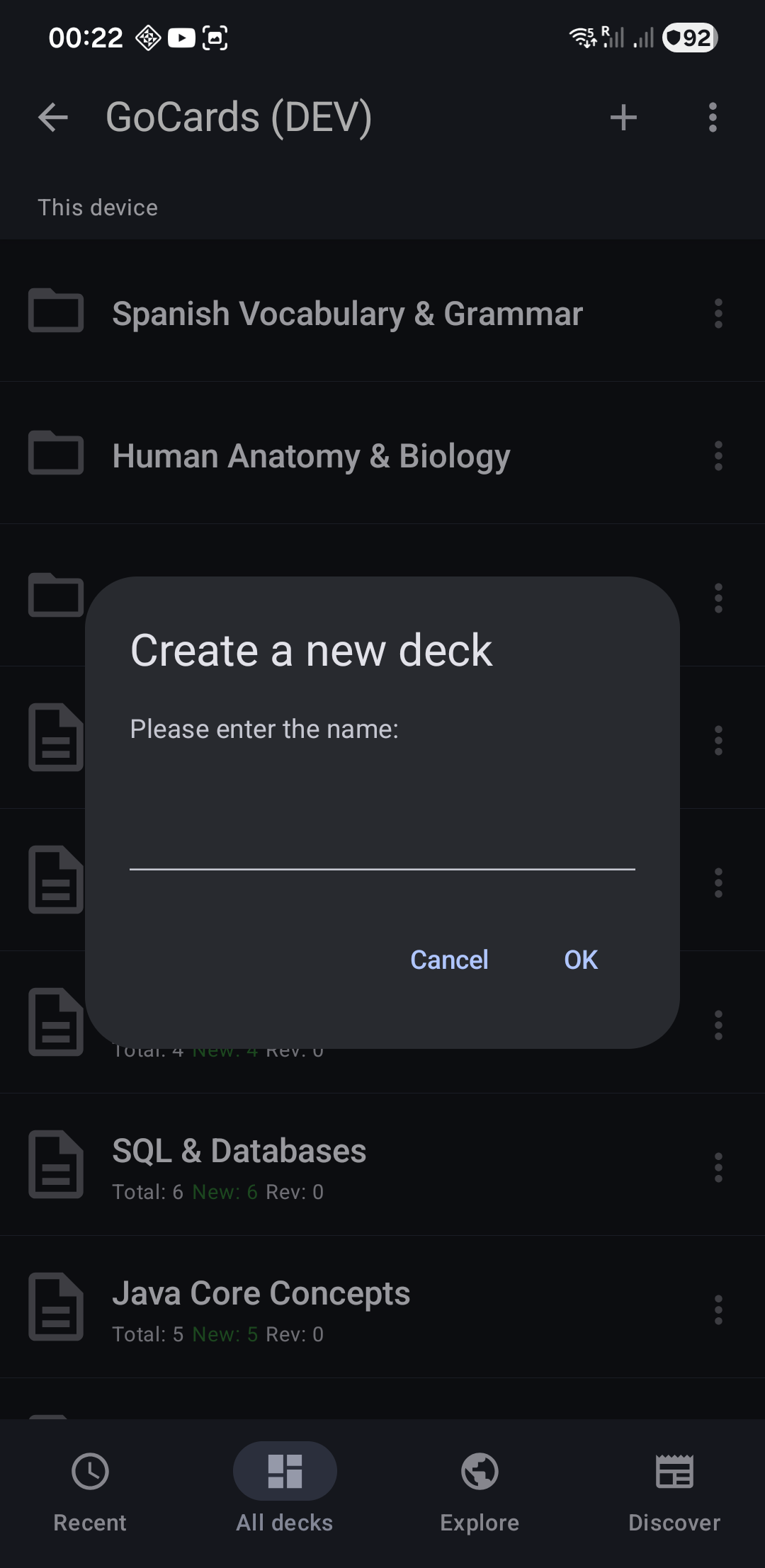
- Tap the "+" button (top-right, available in Recent Decks or All Decks tabs)
- Enter deck name
- Tap "OK"
The deck appears in your All Decks list and will show in Recent Decks once you use it.
Next Steps
- Add Cards - Start creating flashcards
- Create Folders - Organize decks into folders
- Import Cards - Create decks from Excel/CSV files