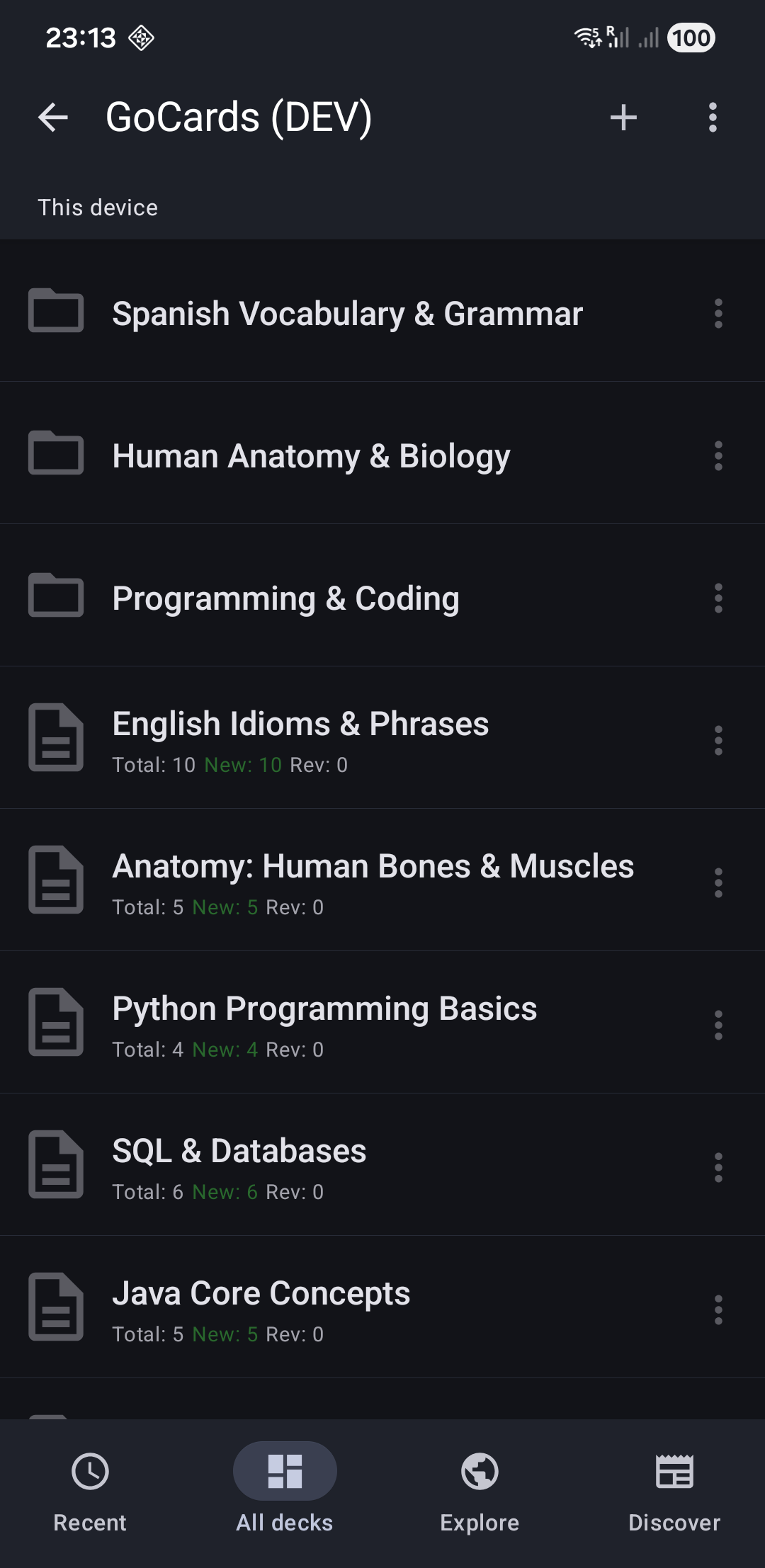
🕐 Tab 1: Recent Decks
Shows decks you've recently accessed, ordered by last use. This tab helps you quickly jump back into your active learning.
📁 Tab 2: All Decks
Your complete deck library with folder organization. Navigate through folders and subfolders to find any deck.
🌐 Tab 3: Explore
Community deck sharing (coming soon)
📰 Tab 4: Discover
Premium offers, updates, and community engagement.
Next Steps
- Create Your First Deck - Start building your flashcard collection
- Manage Decks - Learn about deck organization and folders
- Study Mode - Understand how to learn with spaced repetition