How to Export
- Open a deck from the Home screen.
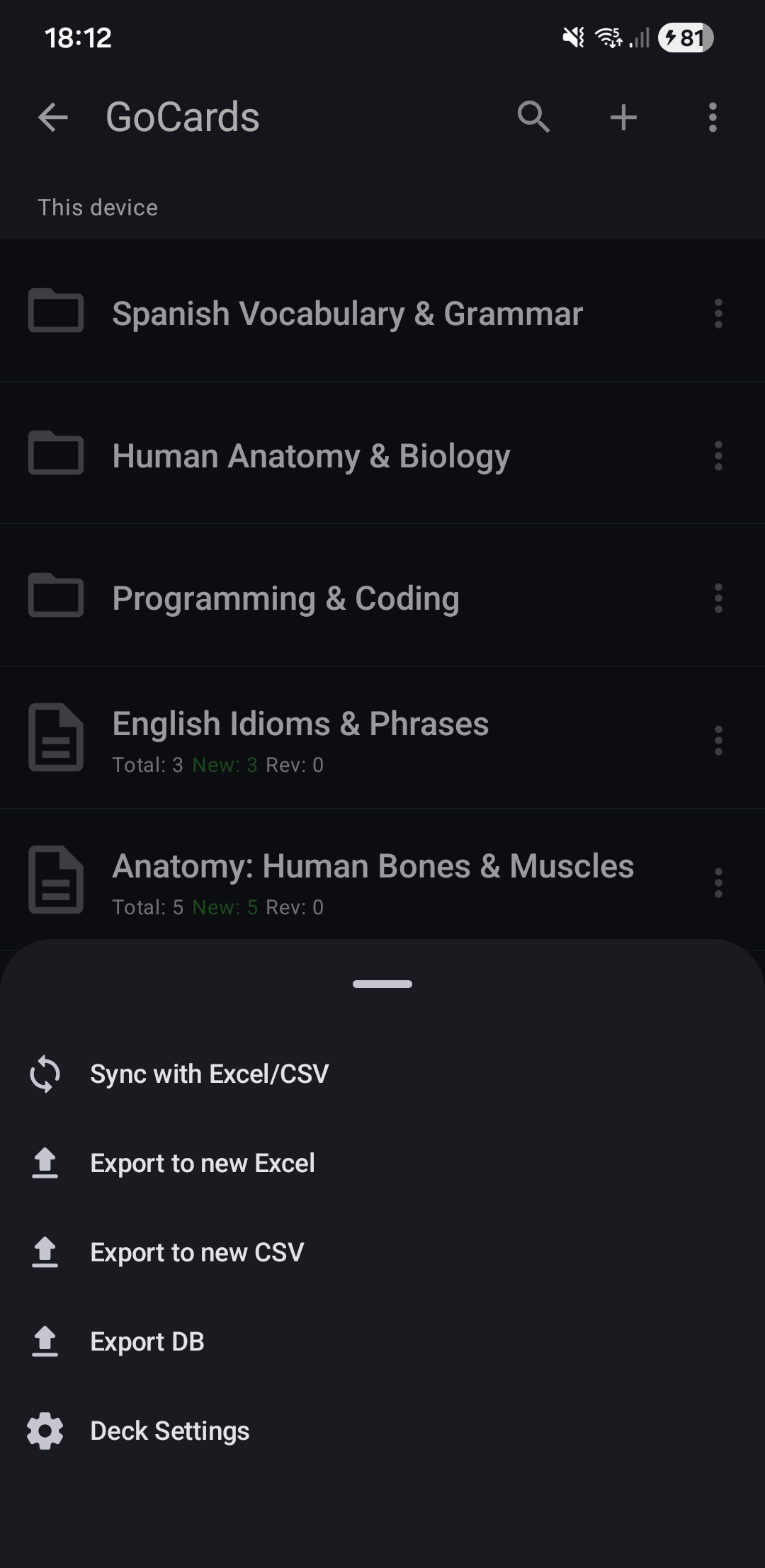
- Tap "More" (⋮).
- Select "Export to Excel" or "Export to CSV".
- Choose a save location.
- The file is saved.
Next Steps
- Sync Cards - Set up bi-directional sync to preserve learning progress
- File Format - Learn the Excel/CSV structure
- Import Cards - Bring external flashcard files into GoCards