Starting a Study Session
GoCards automatically selects which cards to show based on:
- Cards you've never seen before
- Cards due for review today
- Cards you marked as "Again" recently
Navigation
- Swipe left/right - Move between cards
- Tap bottom section - Reveal the definition (answer) and grading buttons
See all Gestures including pinch-to-zoom and drag controls.
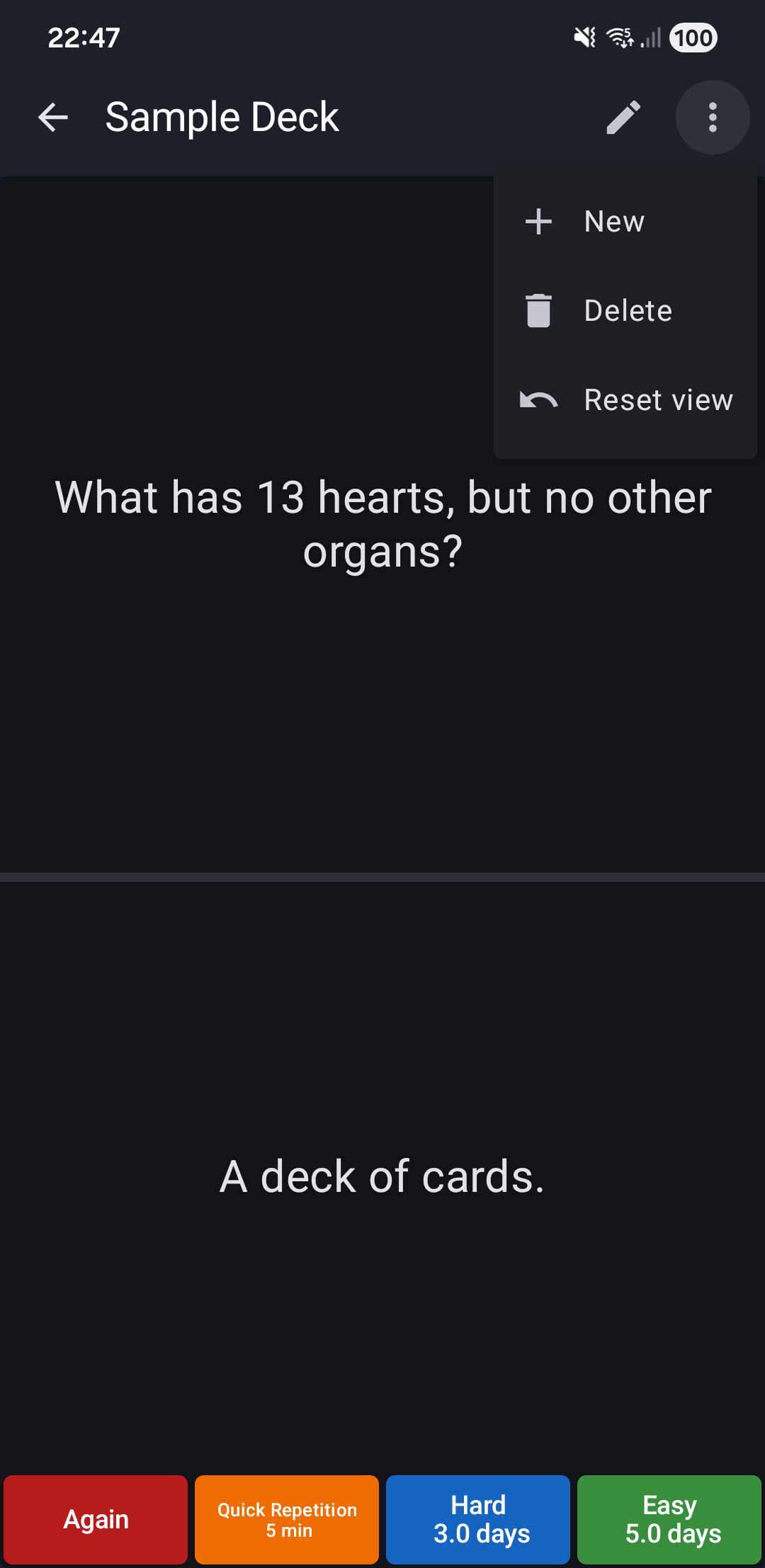
Topbar Actions
- ✏️ Edit Card
- ⋮ More Menu
Adjust Settings
- Increase forgotten card limit if sessions are too short
- See Deck Settings
Related Topics
- Grading Buttons - Understand how to rate your recall
- Interactive Gestures - Learn pinch-to-zoom and other gestures
- Auto-Sync - Keep your cards synchronized automatically
- Undo Last Action - Fix mistakes during study sessions