How to Access
Home screen → "⋮" menu (top-right) → "Settings"
Available Settings
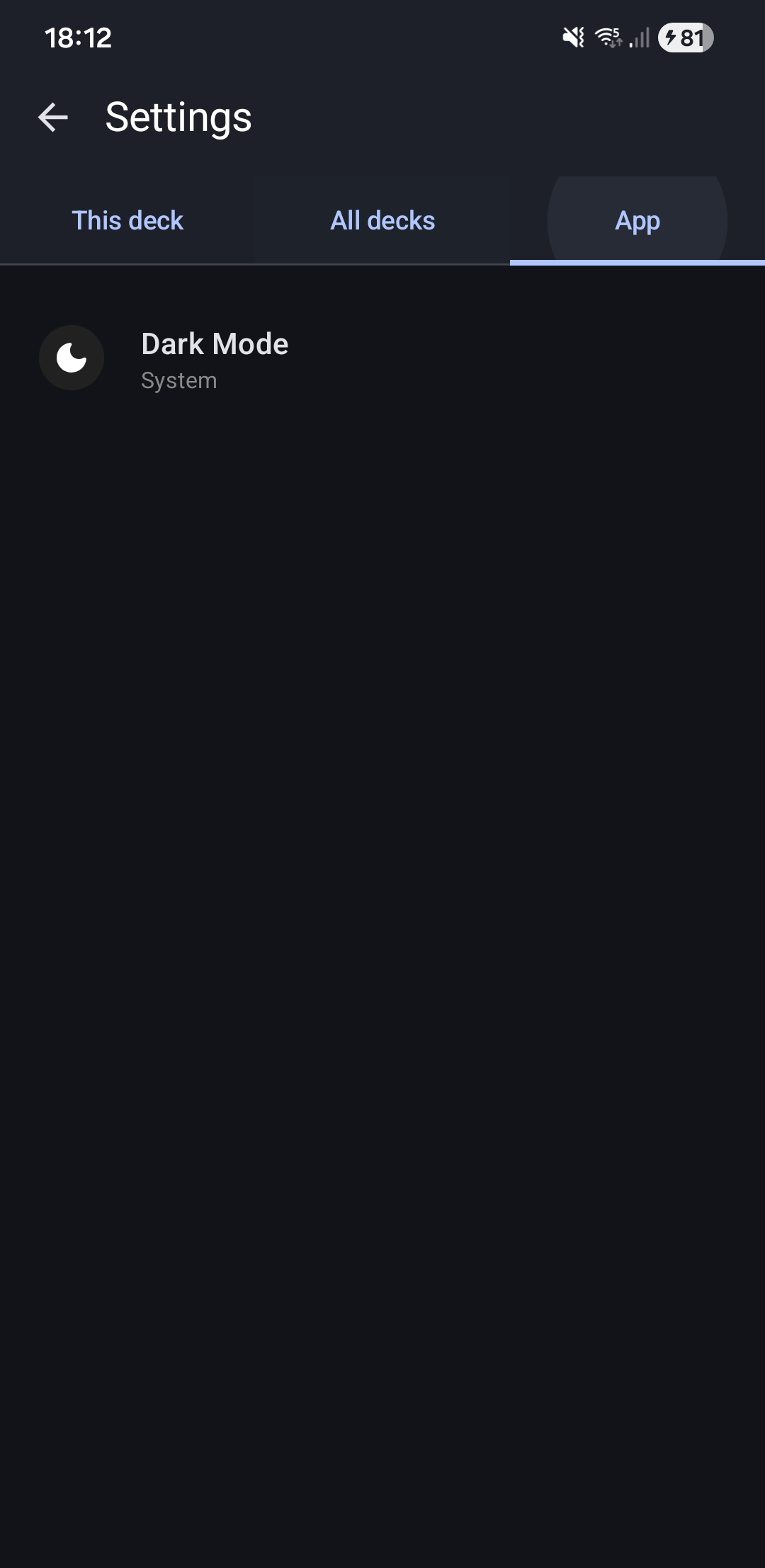
Dark Mode
What it does: Changes app color scheme.
Options:
- Auto (Default) - Follows Android system dark mode setting
- Light - Always light theme
- Dark - Always dark theme
Related Topics
- Default Deck Settings - Configure defaults for all decks
- Deck Settings - Customize individual decks
- Settings Overview - View all settings categories